Apps by OneScreen
Bit-sized, easy to use apps that integrate seamlessly in every lesson.


How it works
Boost your productivity with Chalkfree
Lessn is an AI-powered lesson planning app that generates complete, standards-aligned lesson plans for K-12 educators in seconds.
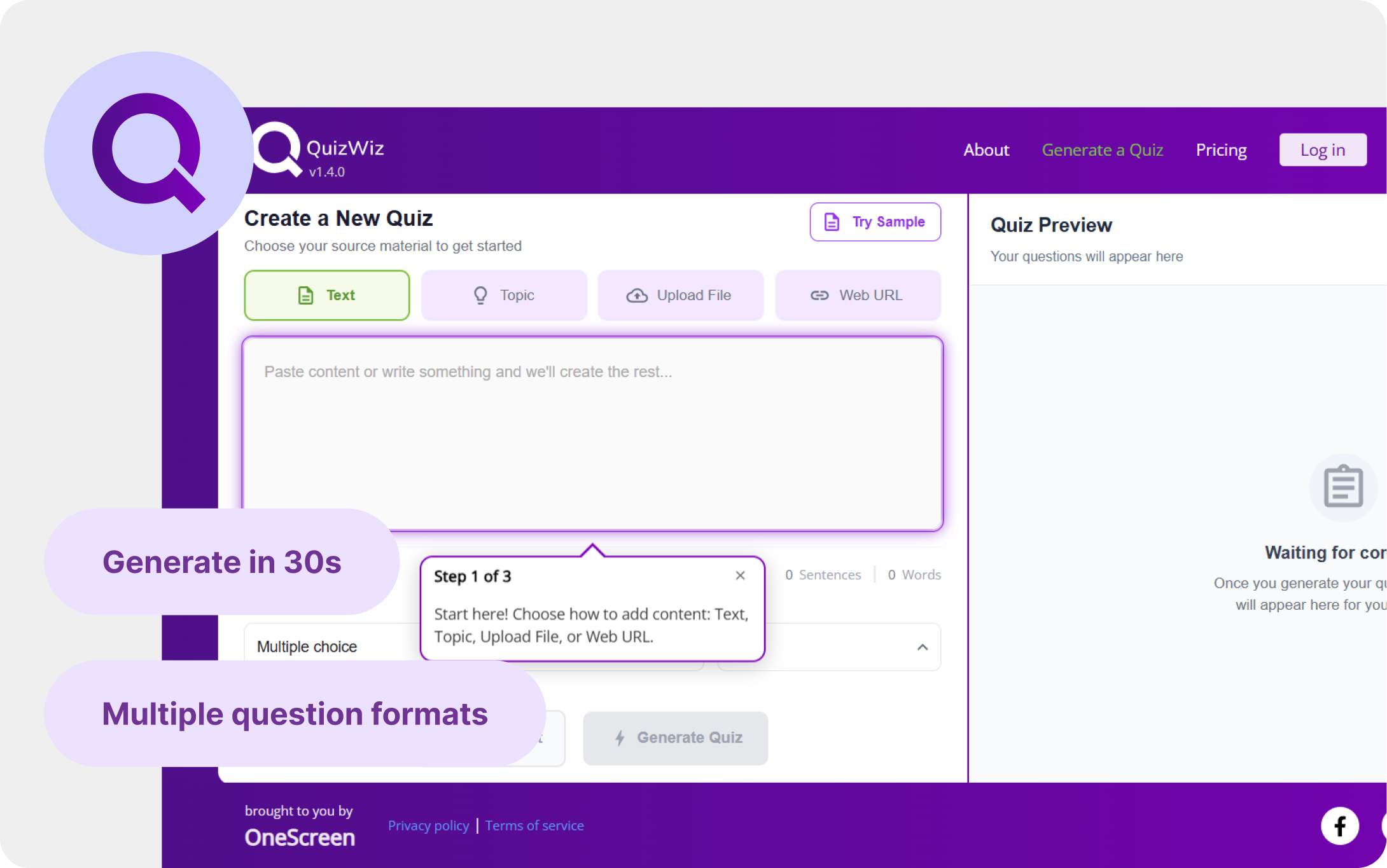
Try it outTurn any content — a PDF, a URL, a lesson file, an image — into a ready-to-use quiz in under 30 seconds.
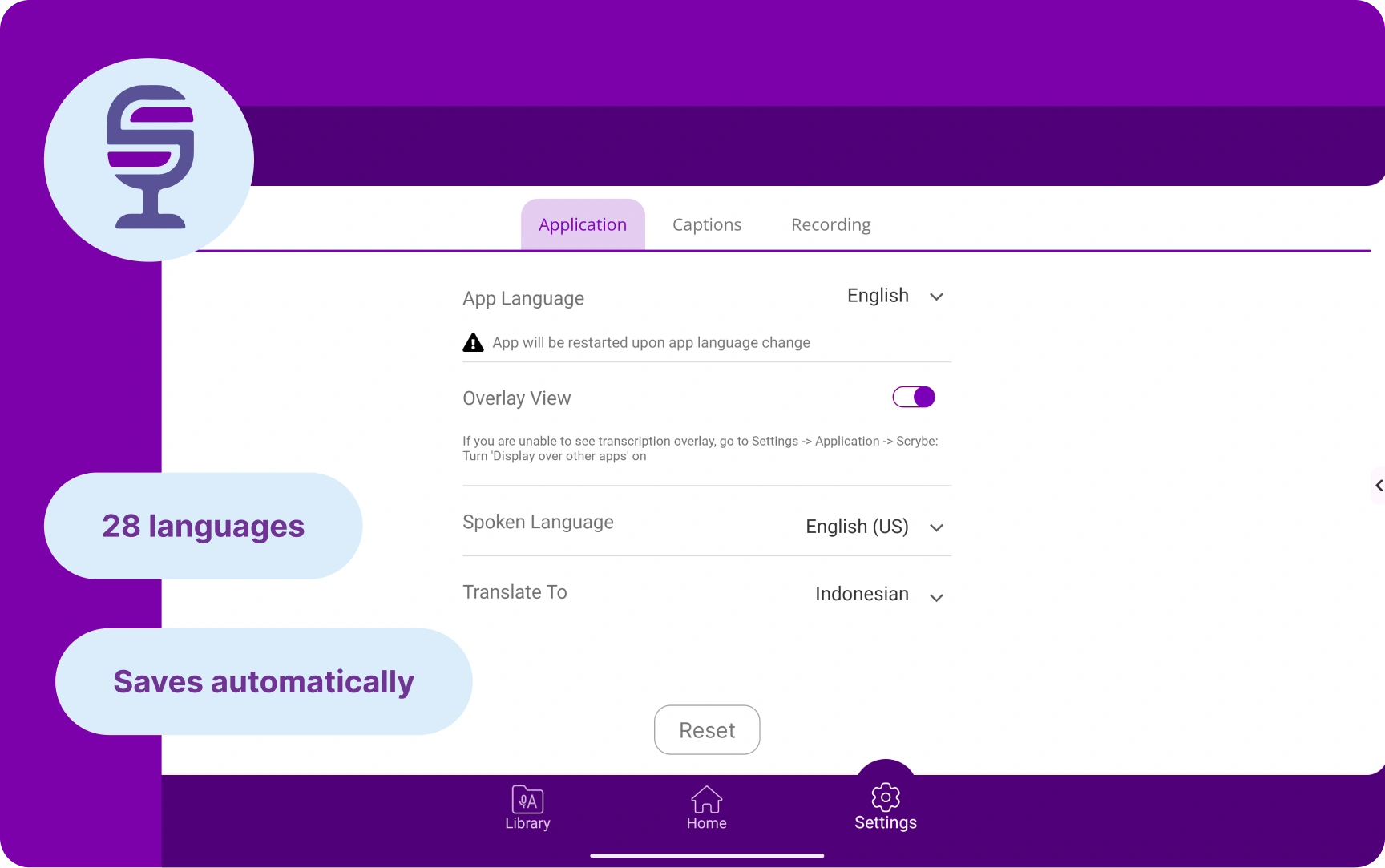
Try it outScrybe captures everything spoken and displays it as real-time closed captions, and translates it into multiple languages.
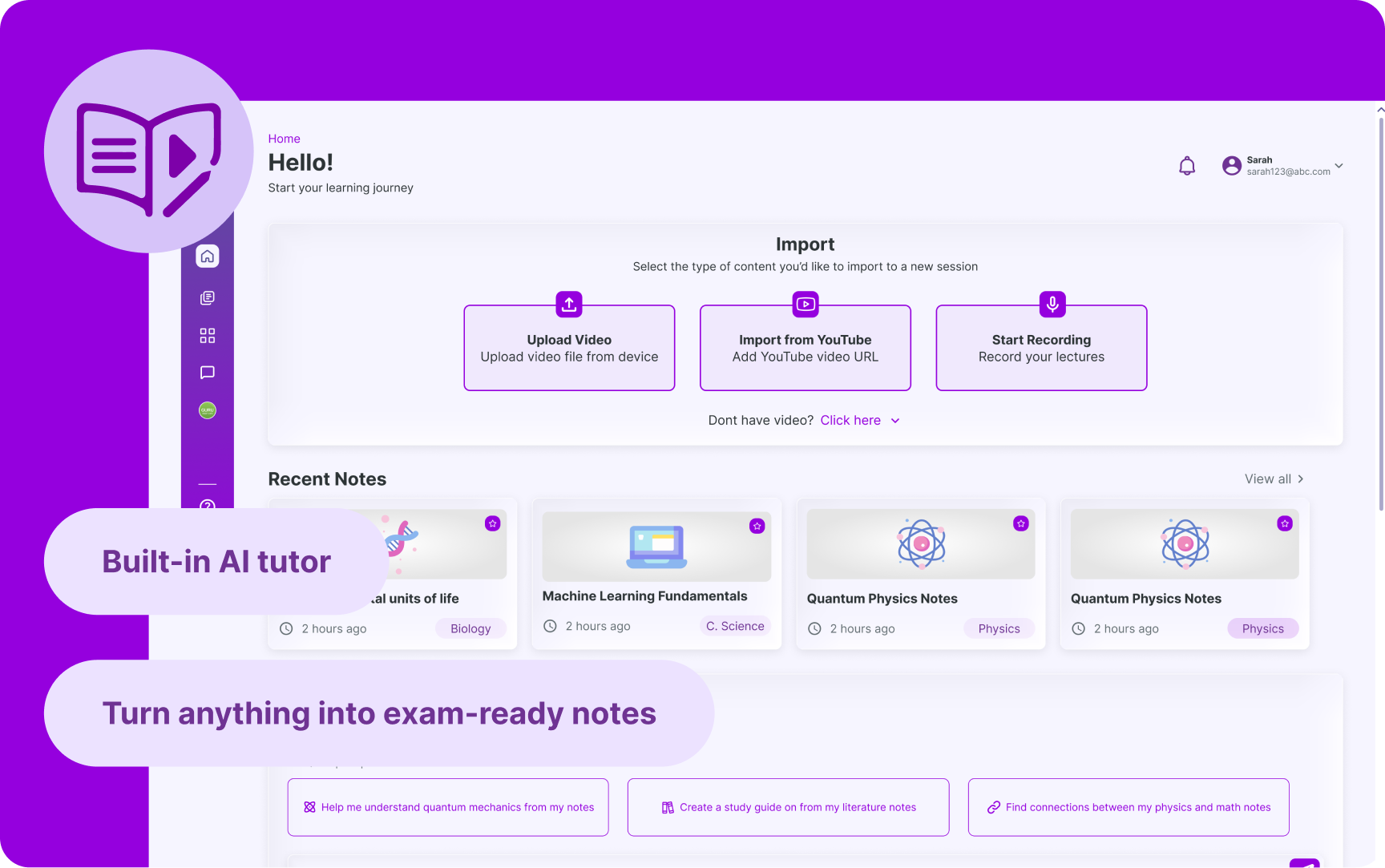
Try it outTransforms lectures, videos, podcasts, and PDFs into smart, exam-ready summaries.
Try it out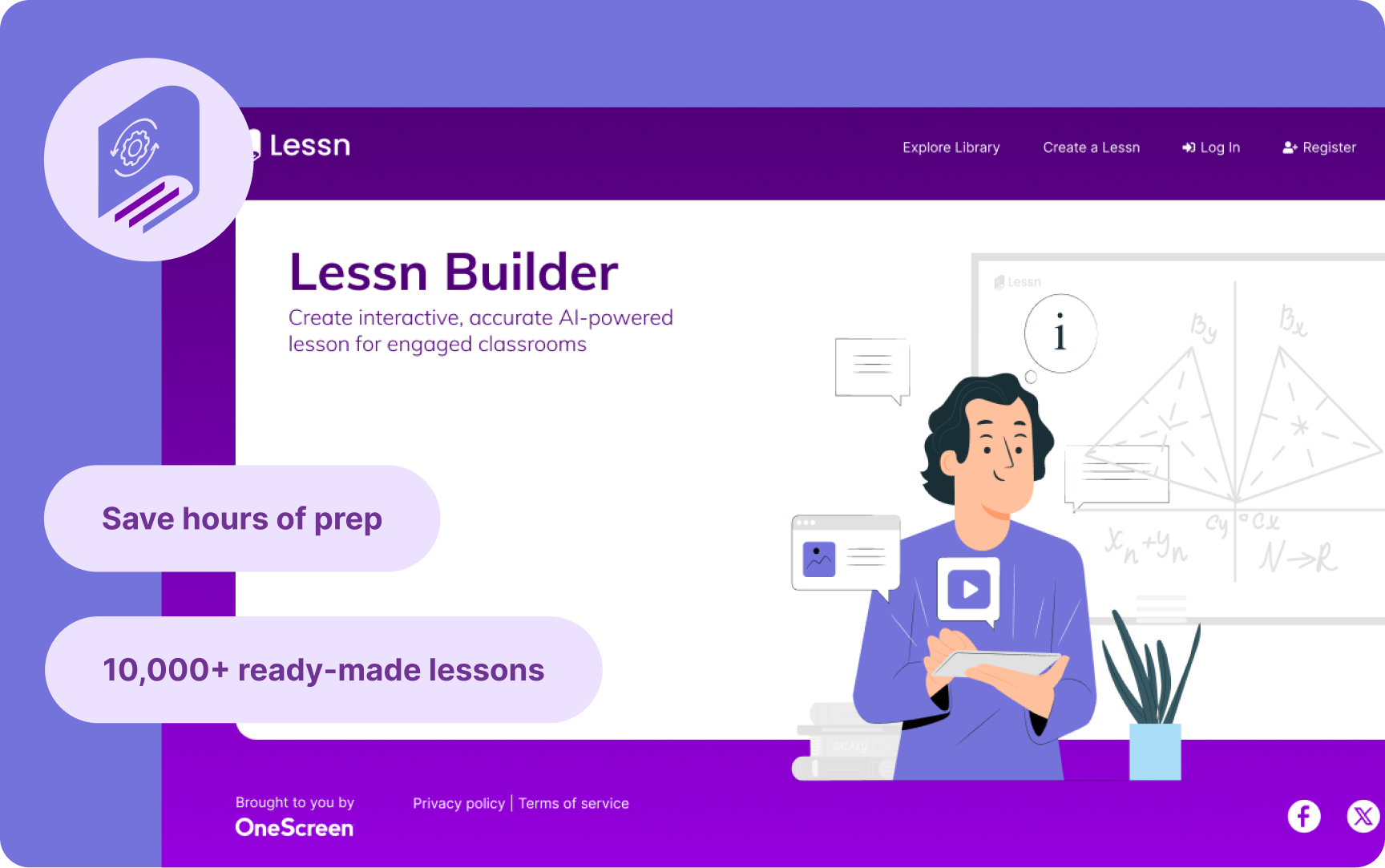
AI-Powered Lesson Builder
Lessn is an AI-powered lesson planning app that generates complete, standards-aligned lesson plans for educators in seconds.
AI Quiz Generator
Turn any content — a PDF, a URL, a lesson file, an image — into a ready-to-use quiz in under 30 seconds.
Live Transcription & Translation
Scrybe captures everything spoken and displays it as real-time closed captions, and translates it into multiple languages.
AI Note Taker & Study Companion
Transforms lectures, videos, podcasts, and PDFs into smart, exam-ready summaries.
How OneScreen apps aid your class flow
Adjust slides inside Lessn first, then export easily to Google Slides or PowerPoint.
Pull from the 10K+ standards-based lessons (Common Core, TEKS, NGSS) before building from scratch.
Drop in your lesson text, a PDF, or a URL, so the assessment matches what you taught.
Everything lands in a searchable library, so you build once and reuse or edit later.
Scrybe transcribes and translates into 28 languages on screen. Pre-select for your language so captions are ready when you are.
Export the real-time transcription as a PDF or to Google Drive.
Turn the lecture (audio, on-screen content, annotations, shared files) into one summary so follow-up questions start from context.
Drop in a YouTube link, podcast, or PDF in the SuprNotes study guide to add more context and value to the material.
We're building this with you
More tools, more support, and more ways to make your day easier.
Moving your content across devices — Video tutorial
Classflow support for substitute teachers
Offline-ready teaching tips