Before class
During class
After class
Apps by OneScreen
☰
My account
Coming Soon
Before class
During class
After class
Apps by OneScreen
Touchscreens bringing lessons to life.
Explore ideas and quick videos
Pre-class
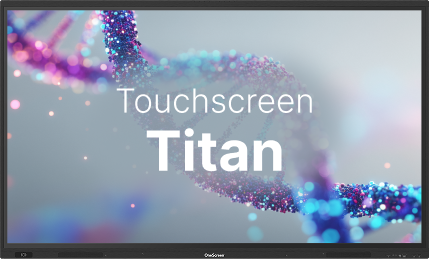
Touchscreen 1
Getting Started with the Homescreen, Toolbars, and Widgets
Touchscreen 2
Connecting Sources using Input Ports
Touchscreen 3
Signing Up and Logging In
Touchscreen 4
Connecting Google & OneDrive Accounts
Touchscreen 5
Google & Microsoft Sign In
Touchscreen 6
Changing Settings and Syncing Data
Touchscreen 7
Install and Manage Apps from the PlayStore
In-class
Touchscreen 10
Tools 1: Timer, Stopwatch, Spotlight and Freezing the Screen
Touchscreen 11
Tools 2: Screenshots, Screen Recording & Freezing the Screen - Touchscreen Core Training
After-class
Touchscreen 8
Files Management 1: Local and Cloud Storage Management
Touchscreen 9
Files Management 2: Managing Files and Folders
×
×
Coming soon…
Stay connected, stay updated!